
How HECBore Works
From creating a job to generating final reports, see how HECBore streamlines every step of your horizontal directional drilling projects.
Prefer video? Watch our tutorials to see the platform in action.
Create a Job
Start by creating a new job with your client information, job address, and project details. Jobs are the foundation of everything in HECBore - all bore data, documents, photos, and crew assignments are organized by job. Each job can have multiple bore shots tracked independently.
- Client and location details
- Job type and specifications
- Multiple bore shots per job
- Status tracking (active, completed, archived)
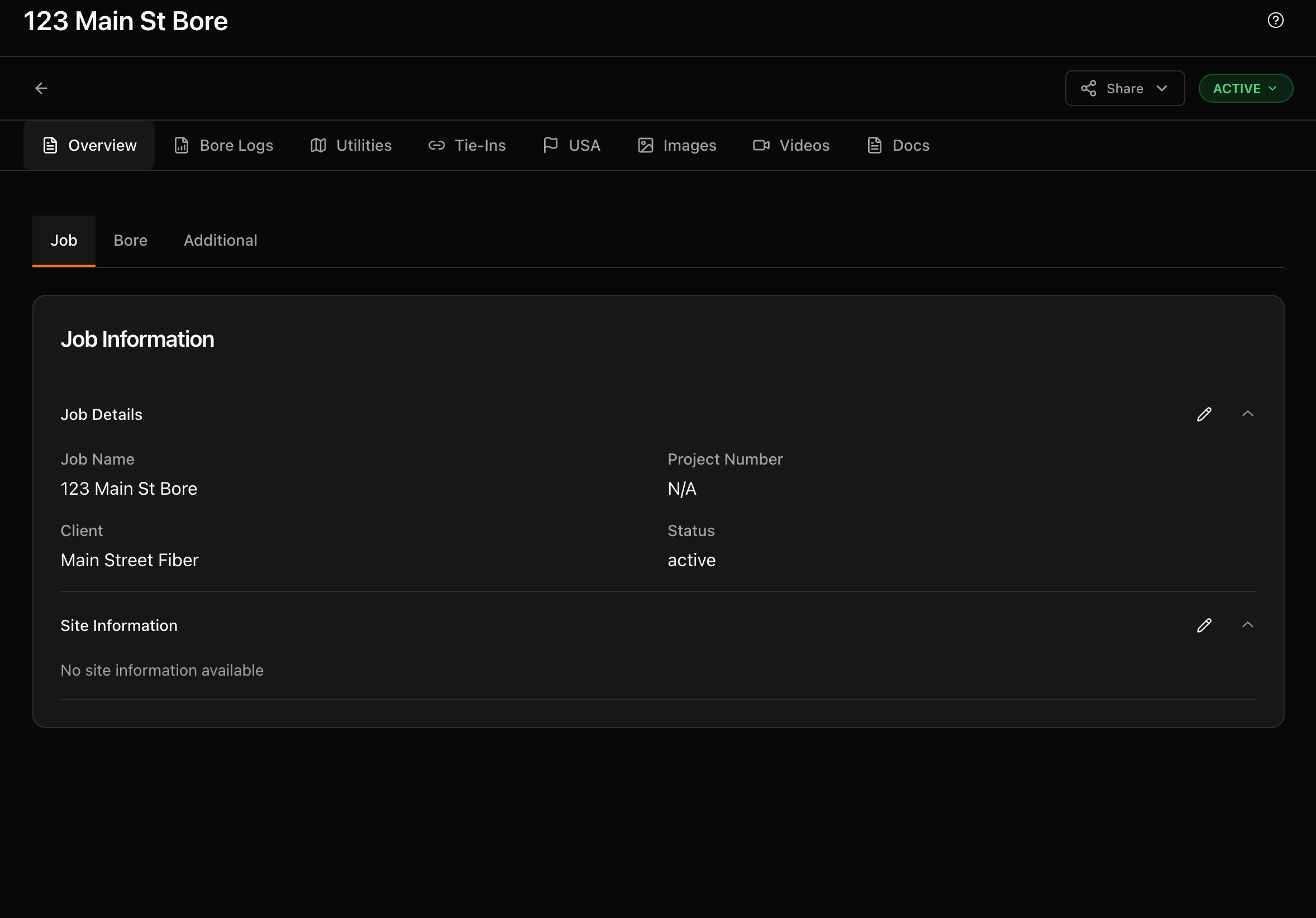
Job overview with all project details at a glance
Log Your Bore Data
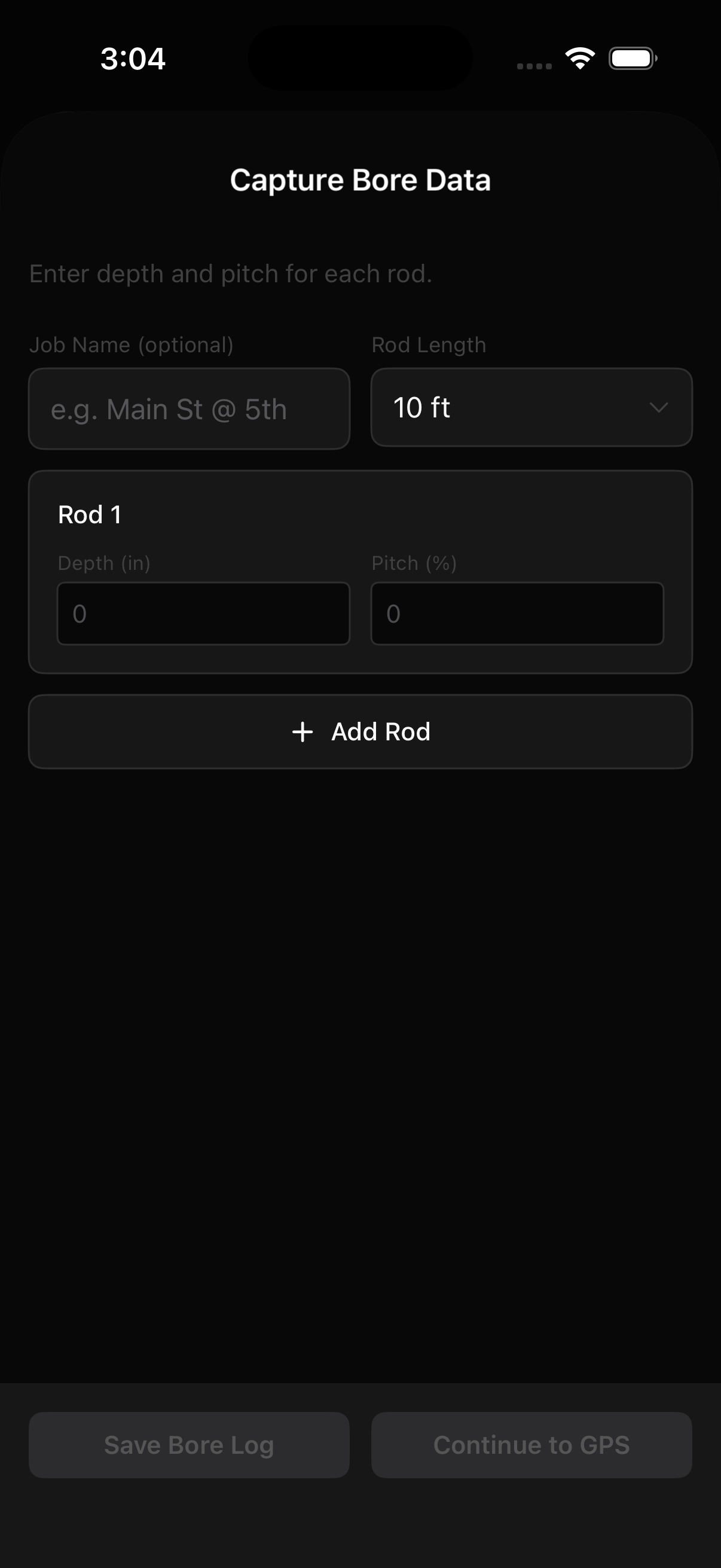
Record bore progress rod by rod with depth, pitch, and locator readings. Upload TSR/TSL files from your locator for automatic data entry, or enter readings manually. Each rod can have GPS coordinates attached for a full bore path visualization.
- Rod-by-rod depth and pitch tracking
- TSR/TSL file upload for automatic entry
- GPS coordinates per rod
- Visual bore path on satellite map
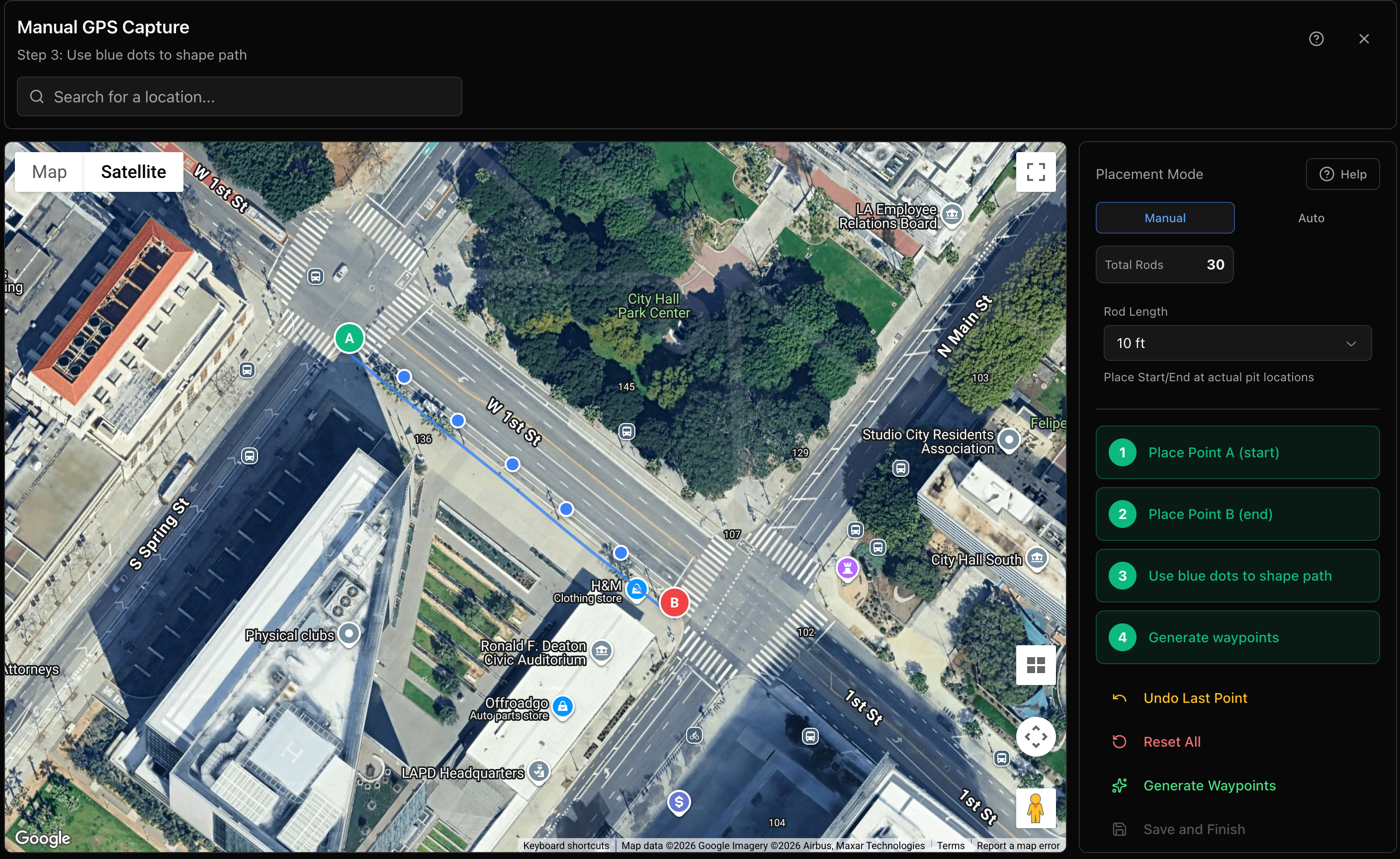
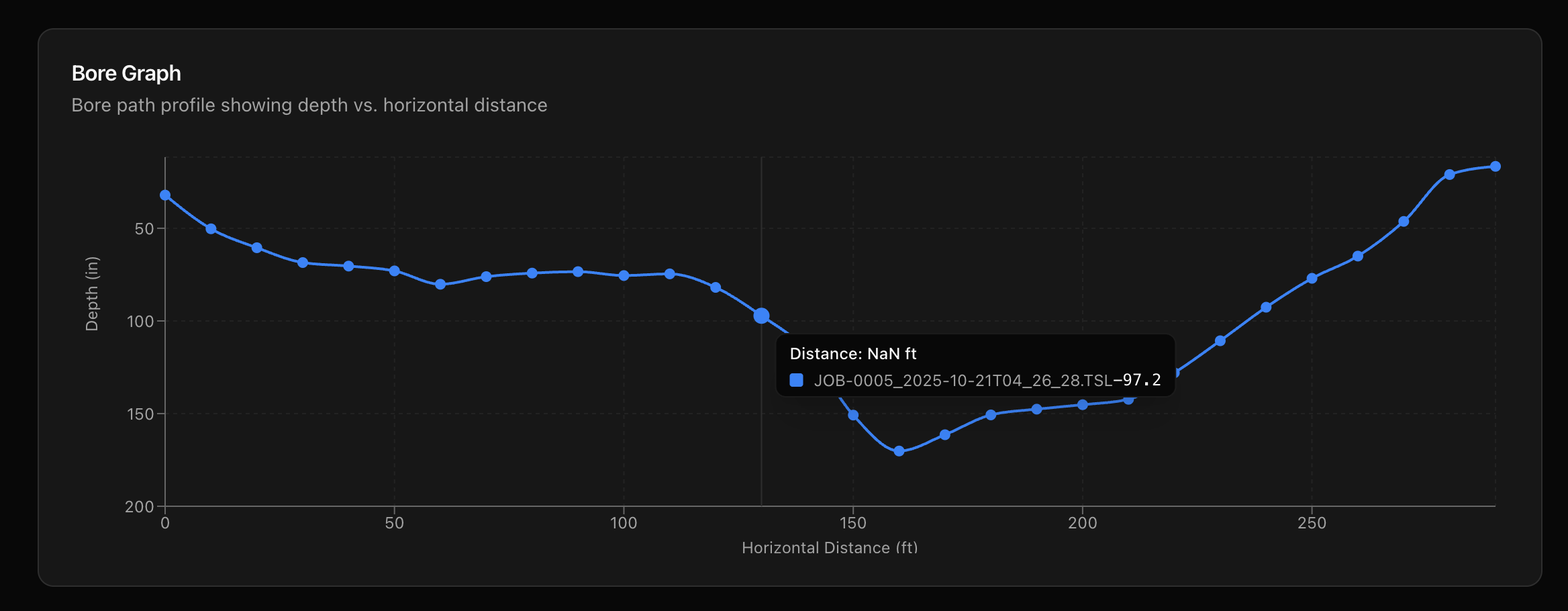
Manual GPS capture with rod placement on satellite imagery
Mark Utilities & Locates
Document every utility crossing along your bore path. Mark the type of utility, owner/operator, depth, and exact location on the map. Upload 811/USA locate tickets to track dig notifications alongside your bore data. This creates a complete record for as-builts and future reference.
- Utility type and owner tracking
- Location marking on map
- Depth and crossing details
- 811/USA locate ticket management
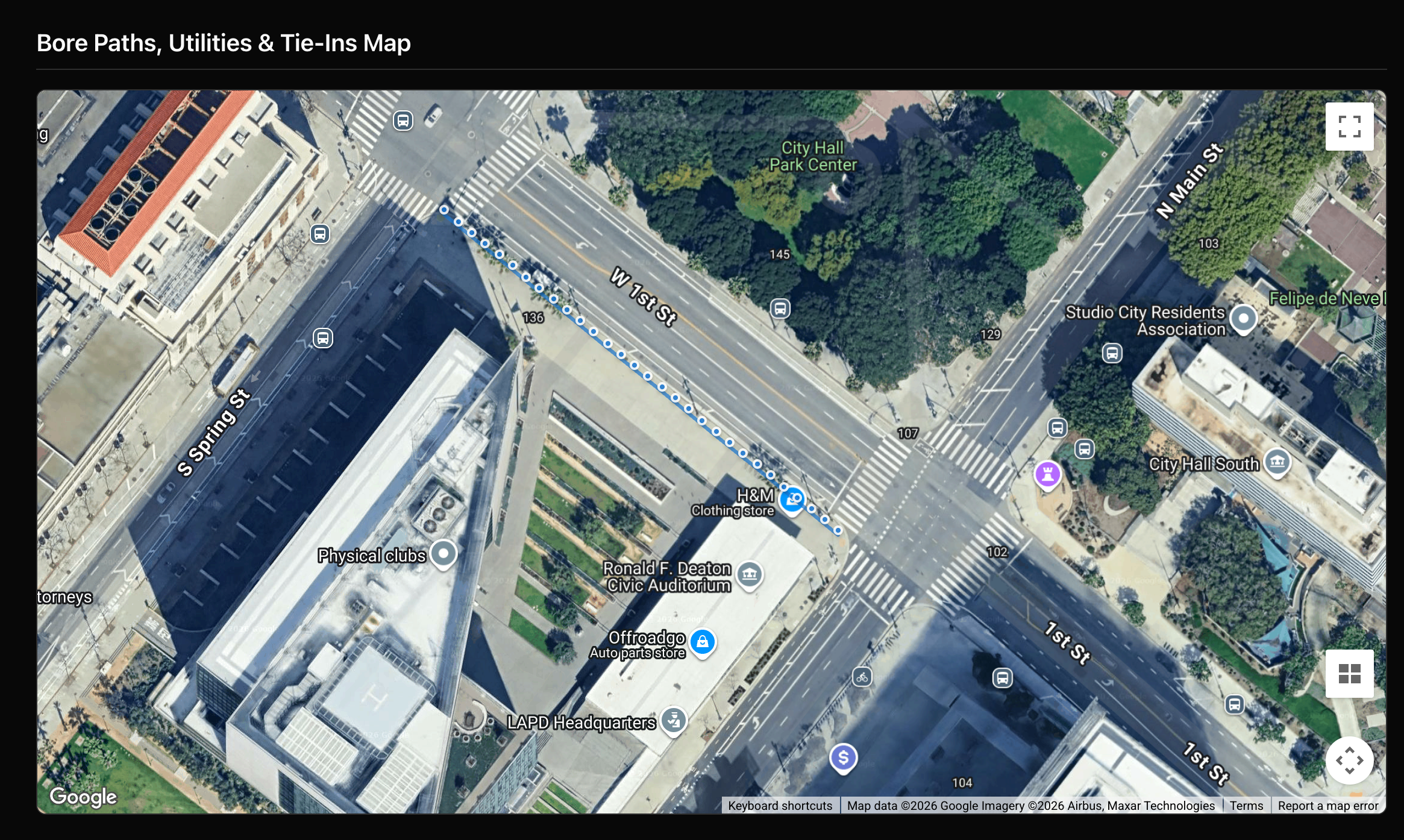
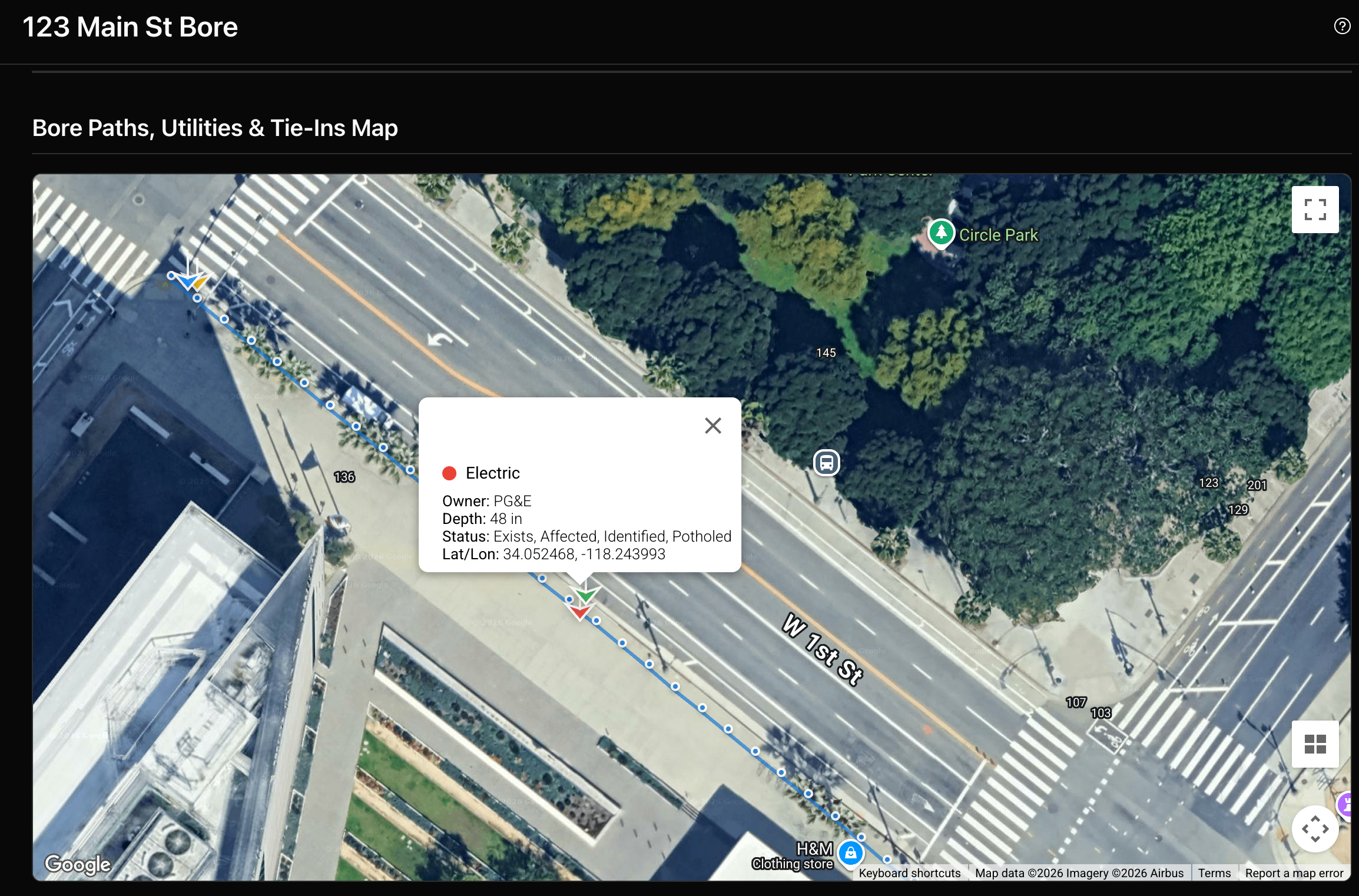
Bore path with utility crossings marked on the map
Photos, Videos & Documents
Capture and organize all job media in one place. Upload site photos with automatic timestamps, record job videos, and manage project documents like permits, plans, and as-builts. Each media type has its own dedicated manager with tagging and search.
- Photo gallery with timestamps and captions
- Video uploads with playback
- Document folders for permits, plans, and as-builts
- Company-wide document library
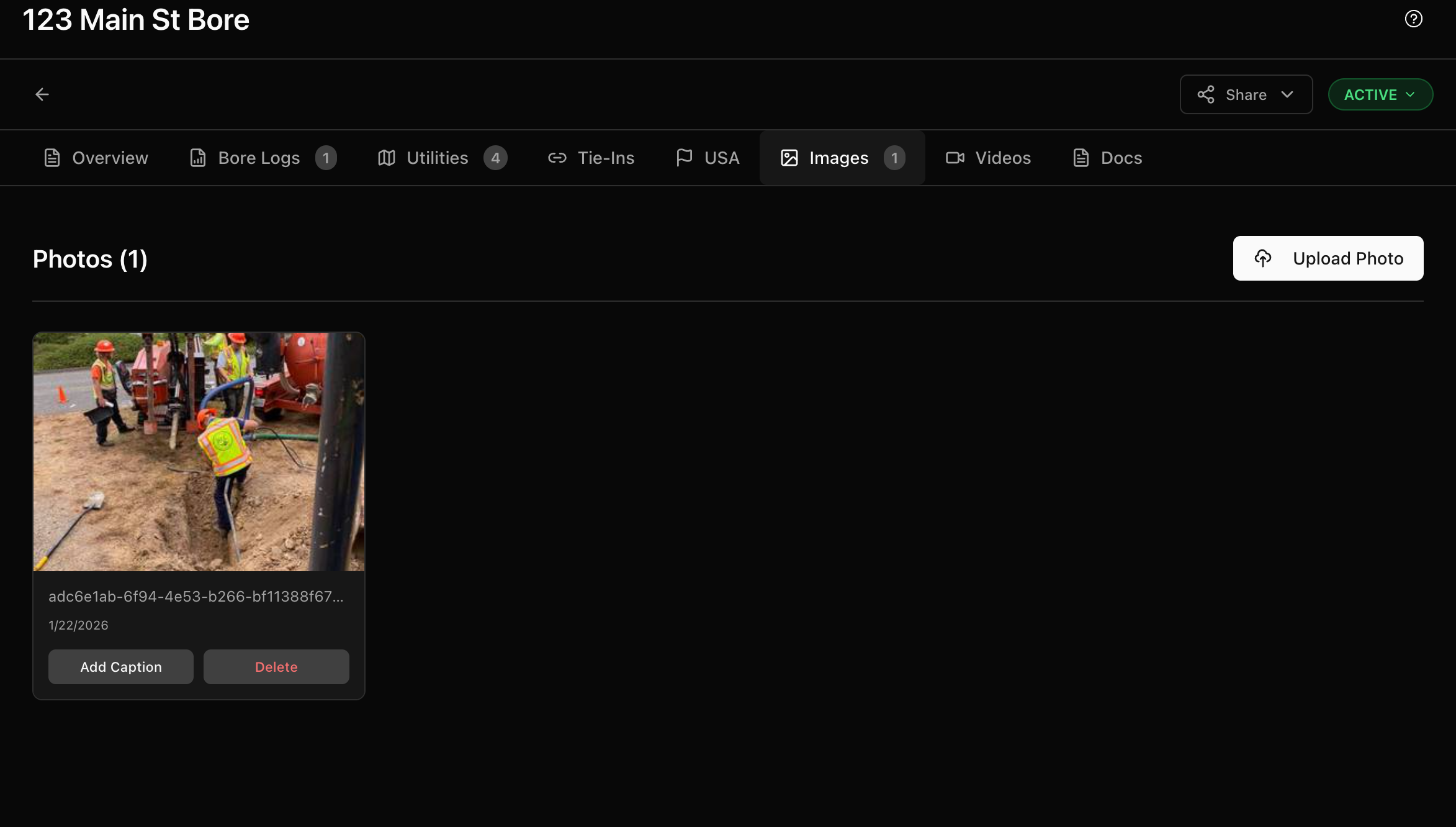
Photo gallery with all job site images organized
Assign Crews
Schedule your field workers to jobs with specific tasks and priorities. Workers receive push notifications with job details and directions. View all assignments on a calendar or list view, with conflict detection to avoid double-booking.
- Form-based scheduling with conflict detection
- Push notifications to crews
- Calendar and list views
- Priority and status tracking
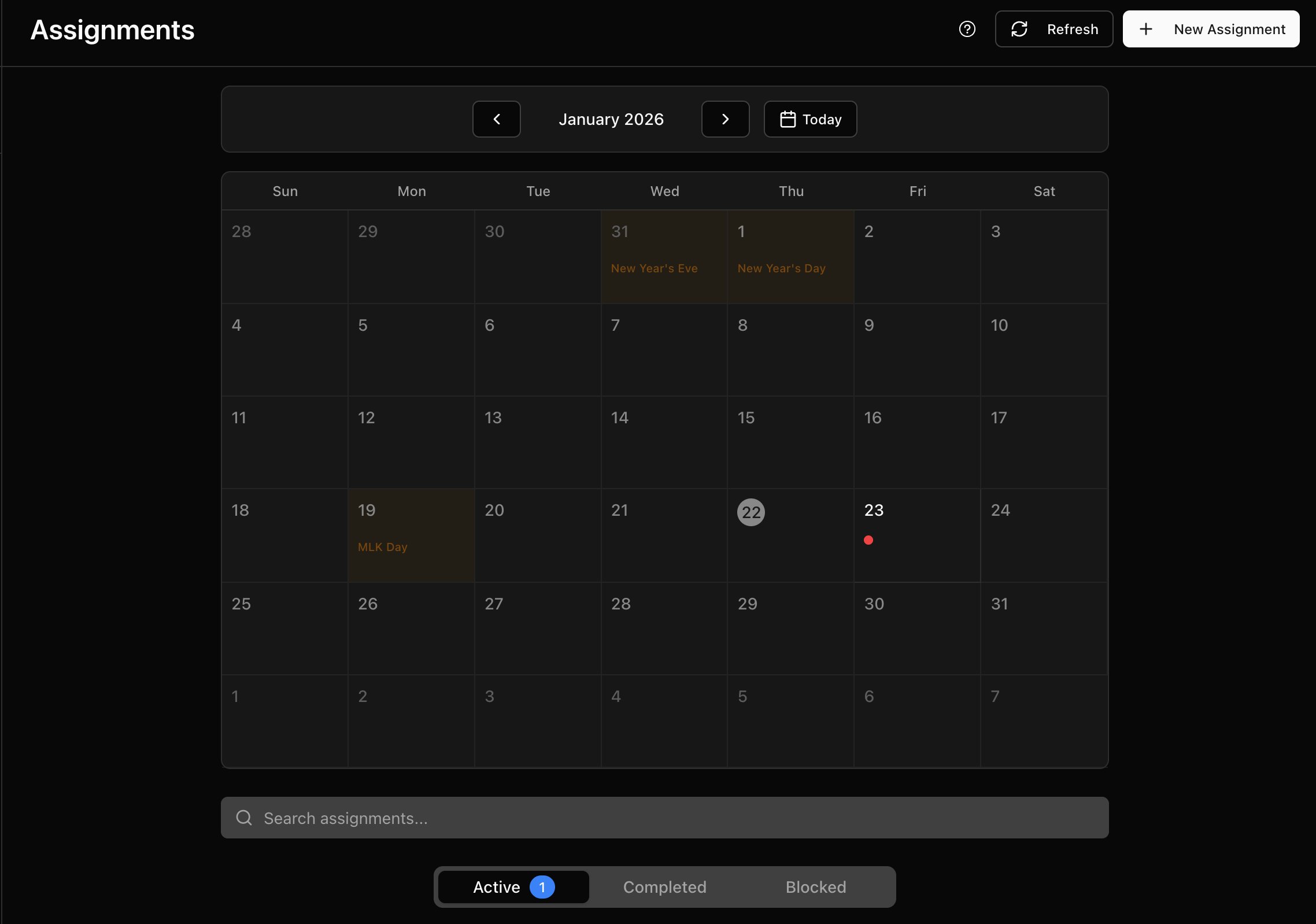
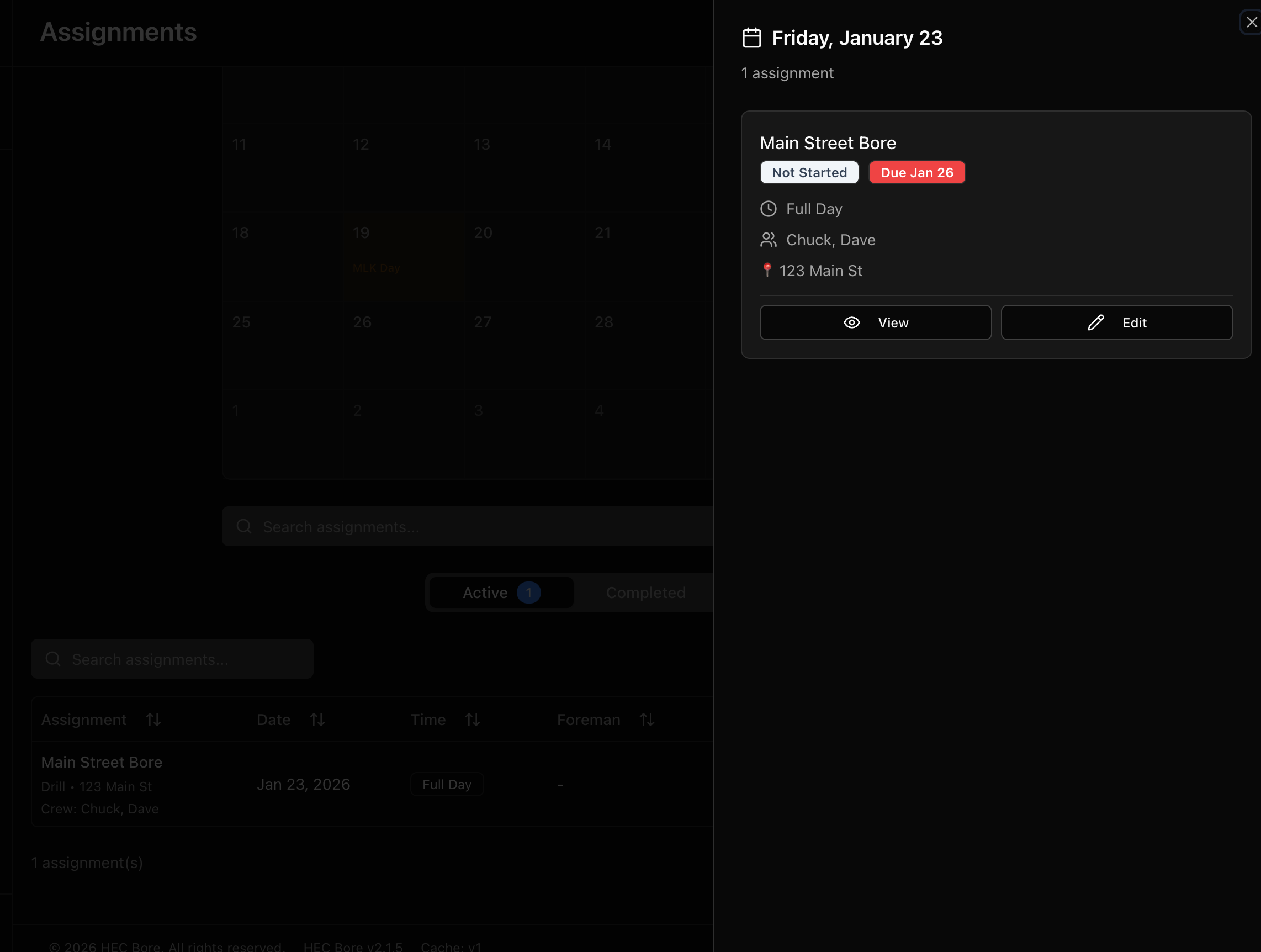
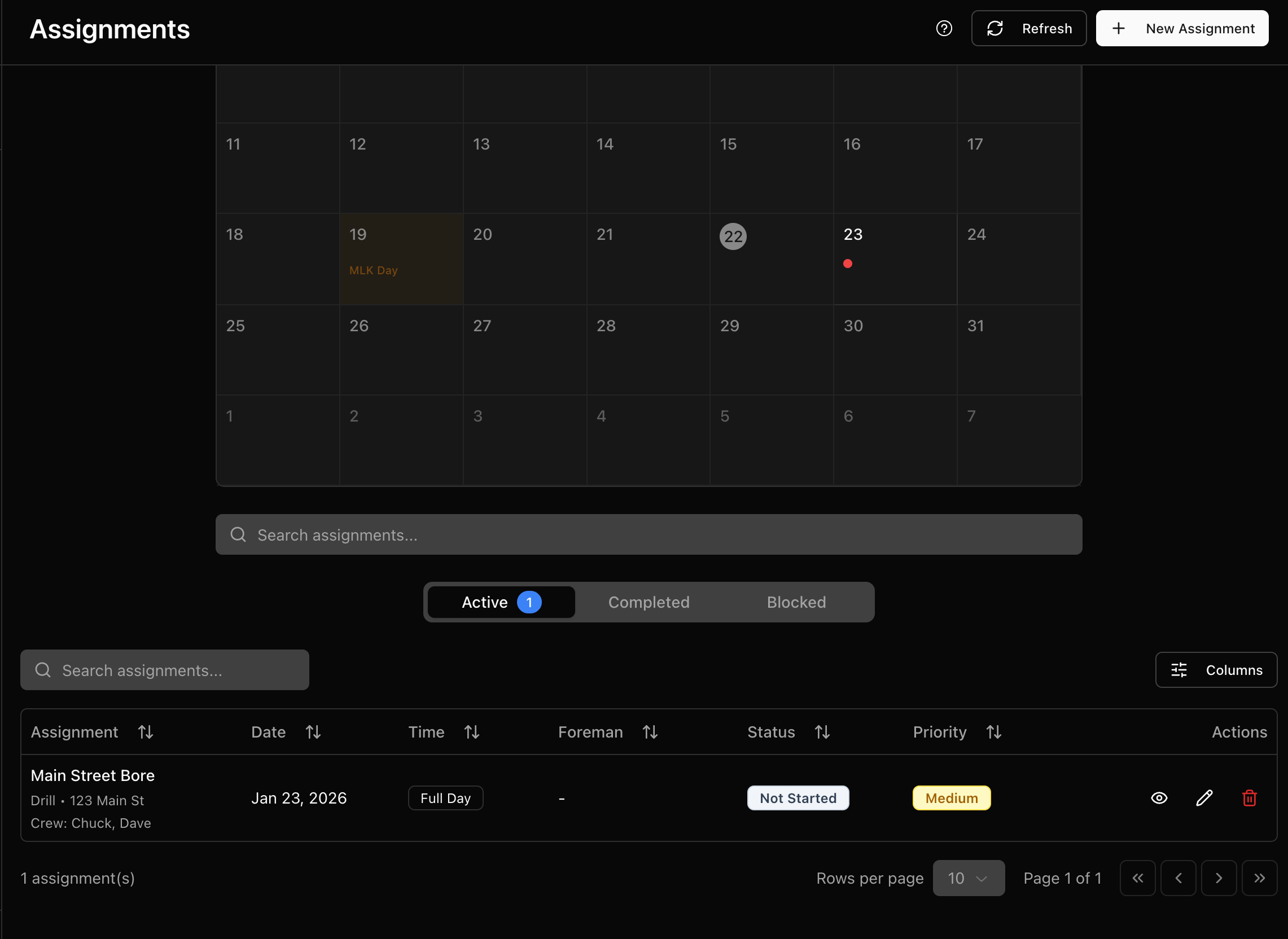
Calendar view with all crew assignments at a glance
Field Portal App
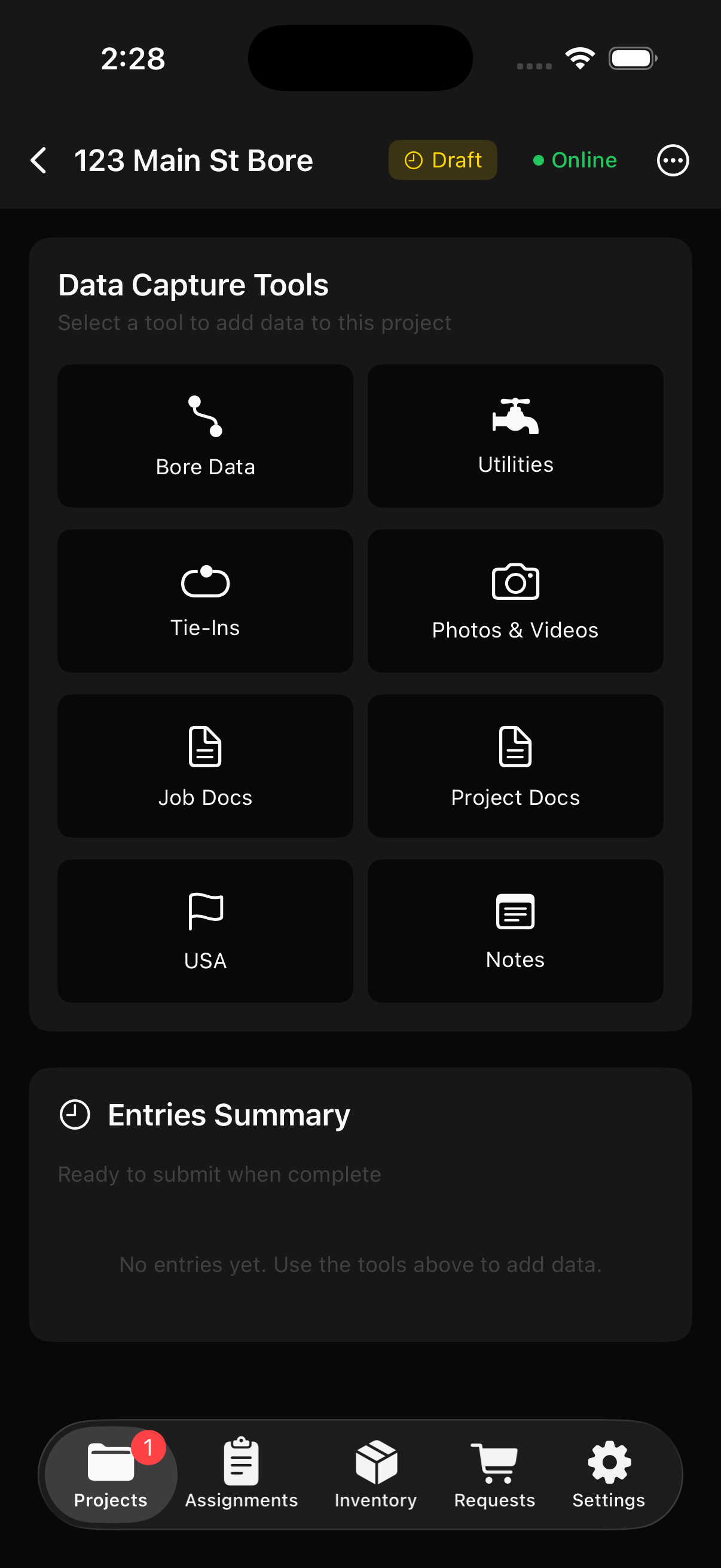
Your crew uses the Field Portal to view assignments, capture bore data, take photos, log GPS coordinates, submit shopping requests, record traffic safety data, and document vaults and restorations - all from the job site. Available as an iOS app or on any browser.
- View assignments and enter bore data on-site
- GPS capture and photo/video uploads
- Shopping requests and equipment tracking
- Traffic safety, vaults, and restoration logs
- Submit data for admin review and merge
Download Our Apps


HEC Field is also available in any browser at field.hecbore.com, but our native app offers many more features and robust offline support.
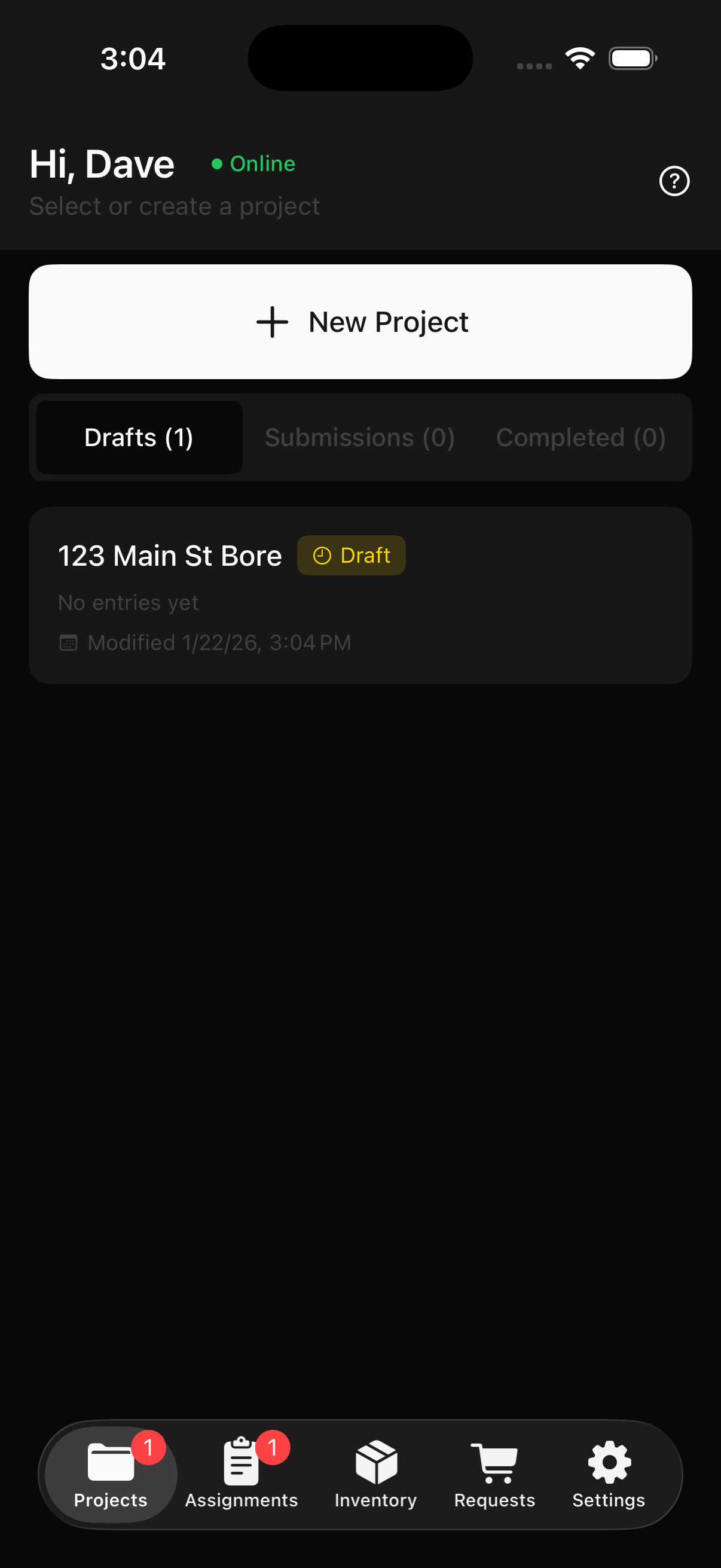
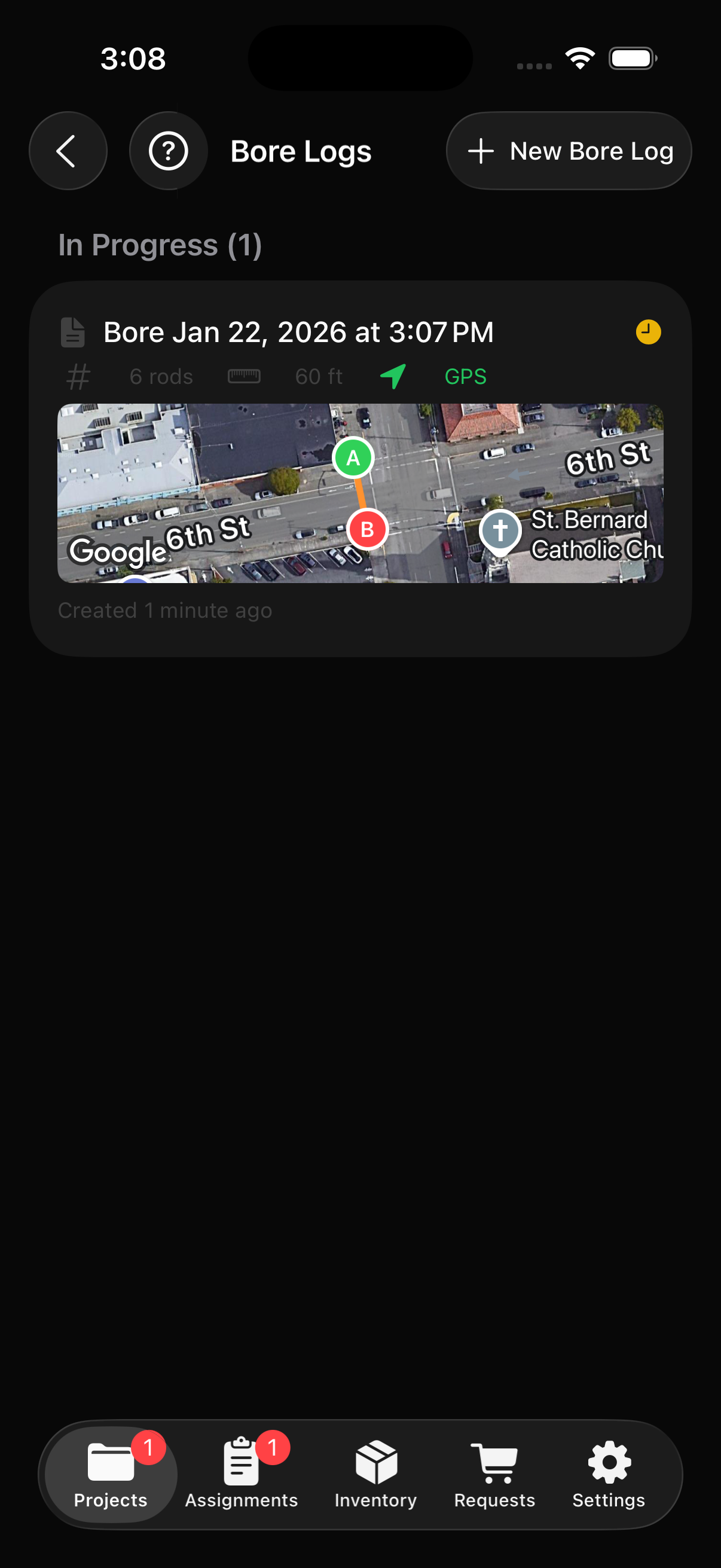
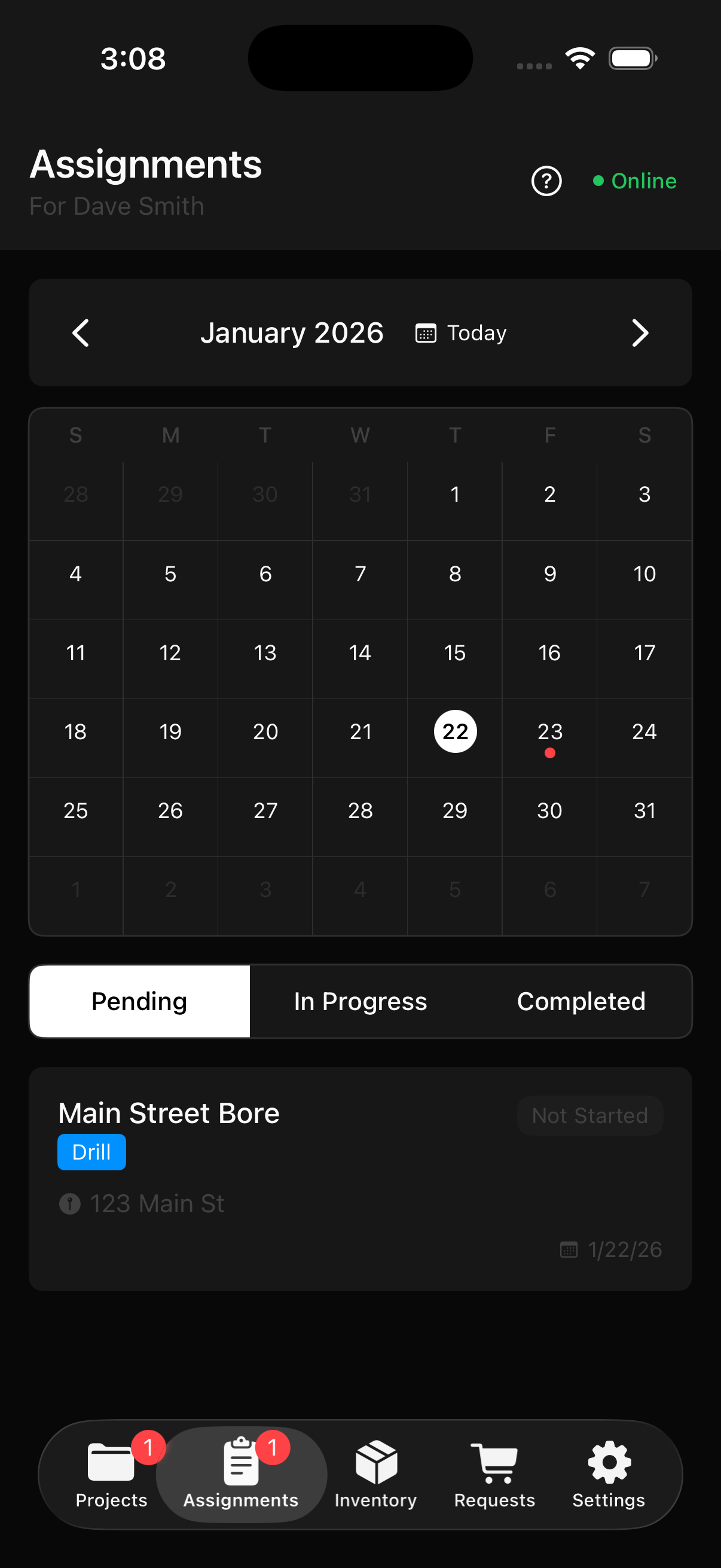
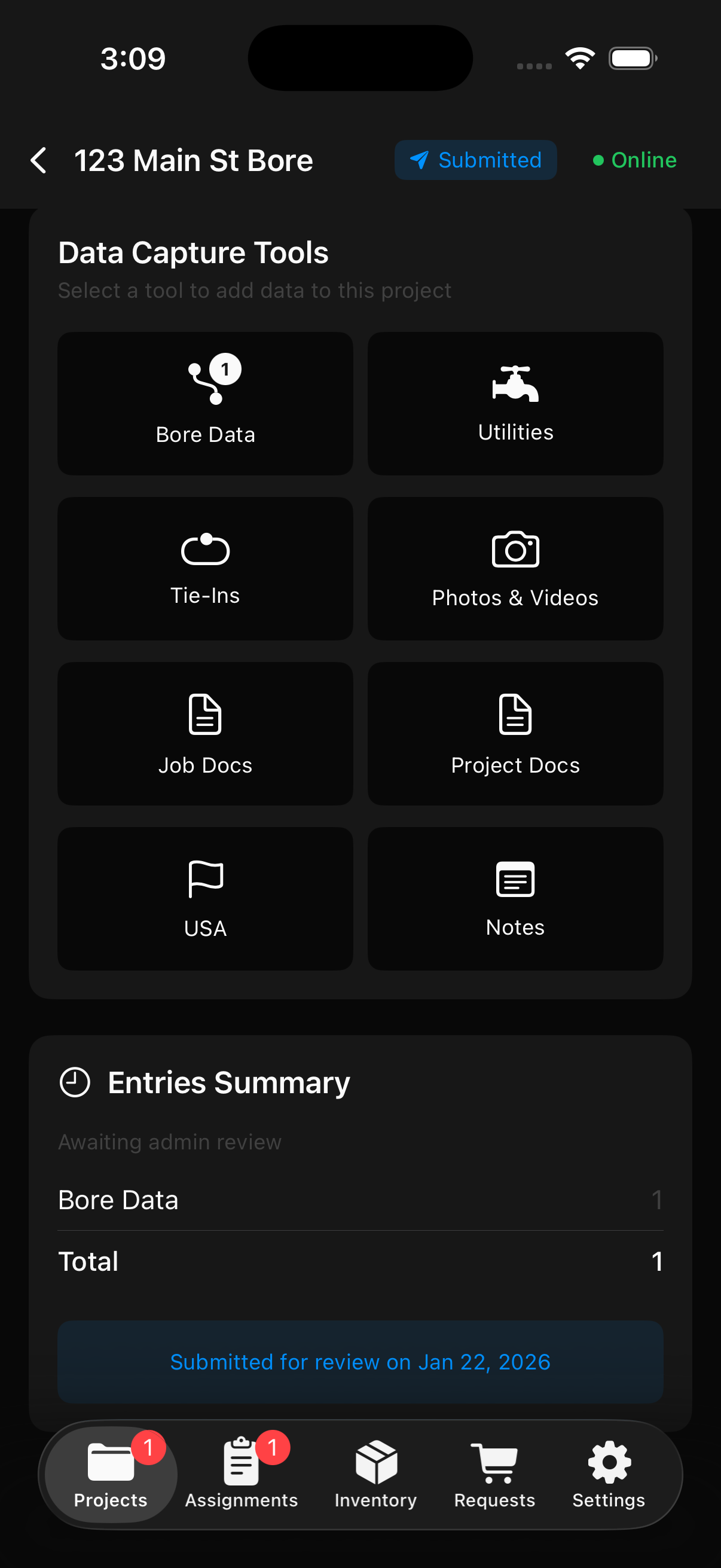
View all your projects with draft and submission status
Review & Export
When field workers submit data, it lands in your Field Inbox for review. Inspect bore paths, utilities, photos, and GPS data before merging into the production job. Once ready, export professional PDF bore logs and as-built documentation with a few clicks.
- Field Inbox for reviewing submissions
- Merge field data into production jobs
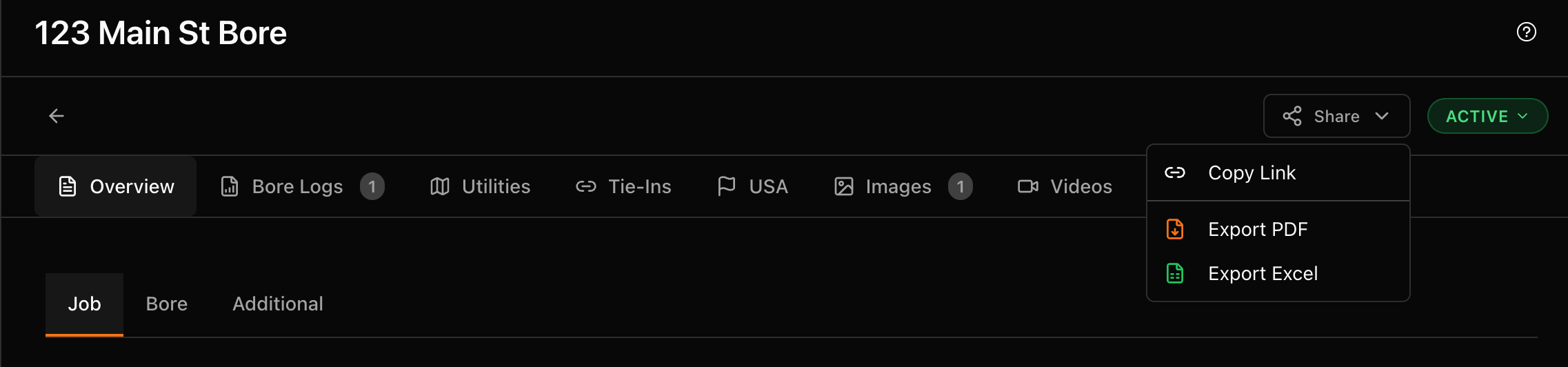
- PDF report exports
- Selectable report sections
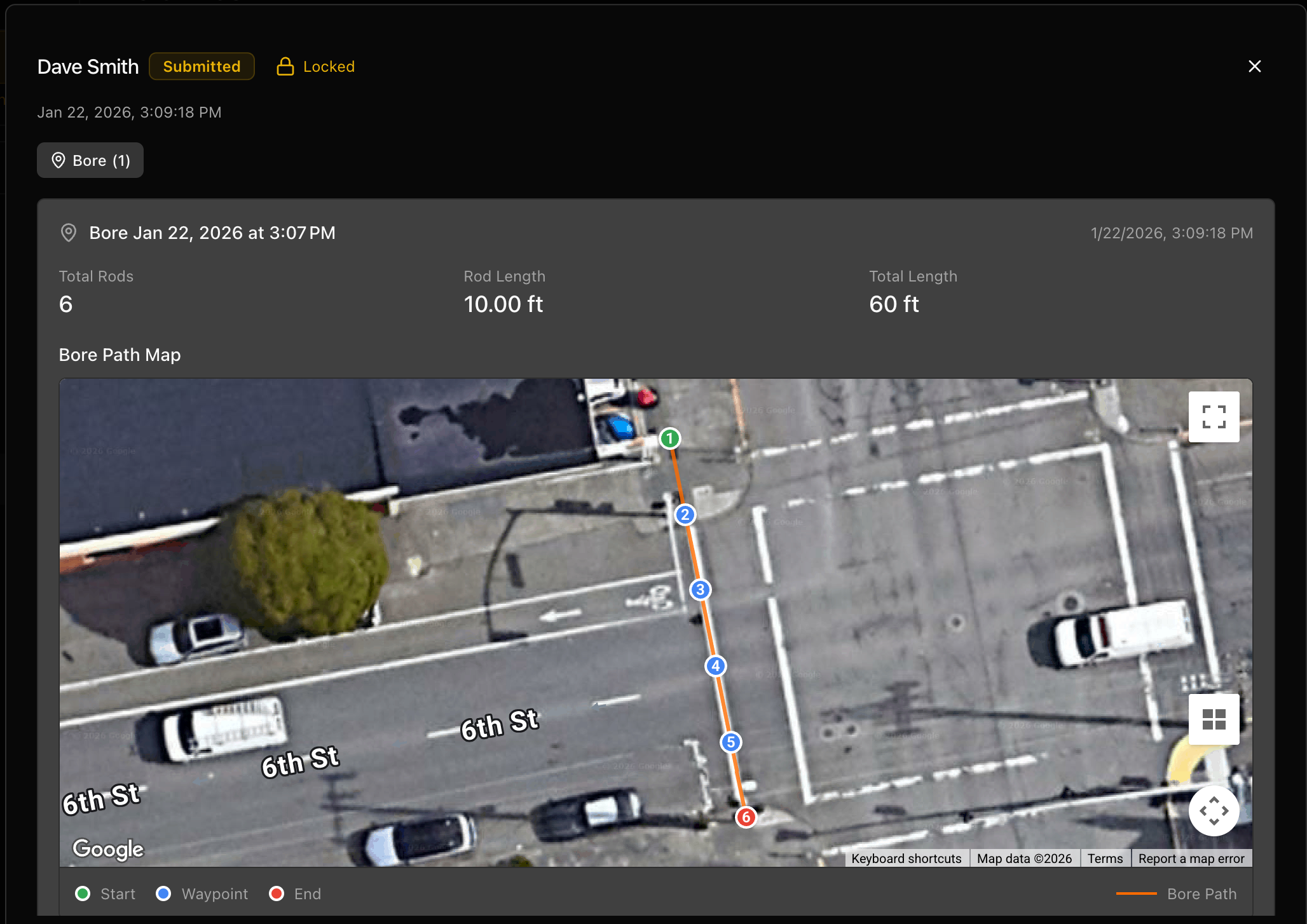
Review field submissions with bore path visualization
Your Typical Workflow
Here's how a typical job flows through HECBore, from start to finish.
1. Set Up Job
Create the job in HECBore with client details, location, and project specifications.
2. Crew Assignment
Assign your crew to the job. They receive push notifications with job details and directions.
3. Utility Potholing
Crew marks utility crossings in the field with type, owner, depth, and GPS location. Upload 811 locate tickets.
4. Boring
Log bore data rod by rod - depth, pitch, and locator readings with GPS coordinates.
5. Capture Media
Take site photos, record videos, and upload documents like permits and plans from the field.
6. Submit Field Data
Crew submits bore data, utilities, photos, traffic safety, vaults, and restoration logs from the Field Portal.
7. Review & Merge
Review field submissions in your Field Inbox and merge the data into the production job.
8. Export Reports
Export PDF bore logs and as-built documentation for your client.
Everything Else Included
Beyond the core workflow, HEC Bore comes packed with tools to run your entire operation.
Team Messaging
Built-in chat with channels, direct messages, and a support ticket system. Keep all project communication in one place.
Bore Analyzer
Score your bore plans using TR-46 capstan physics. Analyze pull force, overbend severity, and get reamer recommendations for any machine profile.
Bore Planner
Plan bore paths on an interactive map. Place utilities, generate rod tables, and save plans directly to jobs.
Equipment Management
Track your fleet with folders, service dates, and crew assignments. Get alerts when certifications are expiring or equipment is due for service.
Shopping & Inventory
Field workers submit shopping requests from the job site. Track inventory levels and get low stock alerts.
Activity Timeline
Complete audit trail of every action across your company — submissions, merges, uploads, edits, and more.
Analytics Dashboard
Company-wide metrics including job stats, user activity, storage usage, and project completion rates.
Shared Job Links
Generate read-only links to share job data with clients. They can view bore logs, maps, and photos without an account.
Separate Admin & Field Apps
Admins manage jobs, review data, and run reports from the HEC Bore app. Field workers capture data on-site using the HEC Field app.
Push Notifications
Real-time alerts for new assignments, messages, shopping request approvals, and field submissions.
Offline Support
The HEC Field app works without an internet connection. Data syncs automatically when connectivity returns. *Map tiles may not load without a connection.
Collaborative Submissions
Multiple field workers can contribute to the same project. Each worker sees only their own data until submission.
Ready to streamline your operations?
Start your free trial today and see how HECBore can transform your HDD workflow.